You can get started creating a new activity in 4 steps:
- Go to the Feedback Tab
- Click on the Create New button
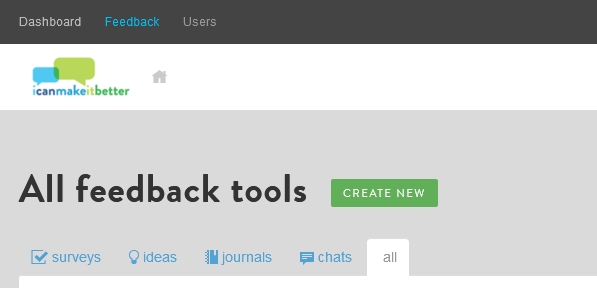
- Select the Activity type
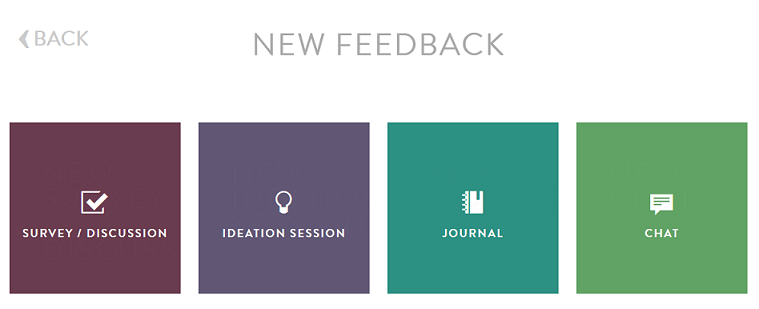
- Select the blank template and get started customizing and programming.

You can get started creating a new activity in 4 steps:
Comments
0 comments
Article is closed for comments.