
The following outlines the basic steps of creating a survey. References to other in-depth resources for programming and testing, as well as monitoring, are included.
Create New
All new activities are created from the Feedback tab, see here.
On the Feedback tab, click on the green CREATE NEW button at the top. You will be re-directed to the platform activity tools.
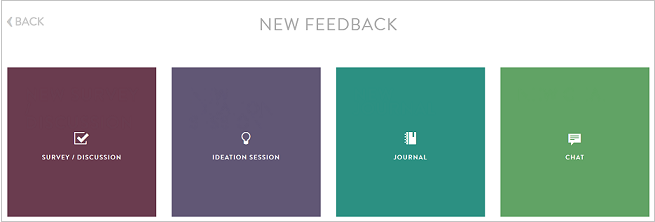
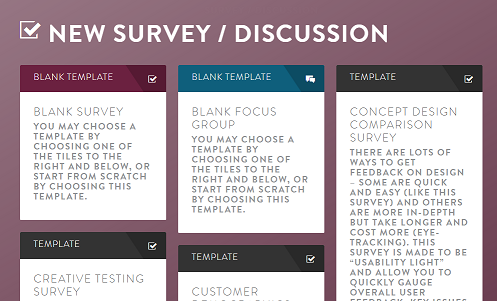
On the new screen, select SURVEY/ DISCUSSION and then BLANK TEMPLATE.
Program Questions
All question types are available in Surveys, except for one. If you choose a Discussion question, you basically make your activity a focus group that allows for respondent interaction and moderation. Read more under Discussion question here.
Detailed instructions on types and programming information can be found here.
When you are done programming the questions for your survey, make sure you thoroughly review and test your program. You can also share test links with clients and internal stakeholders.
First review your survey using the question overview tab. For more information, read here.
Next test the survey. For more information, read here.
Continue reading:
Comments
0 comments
Article is closed for comments.