
The Welcome Resend Email Feature lets you re-invite someone to a community if they have been invited previously but have not yet registered or set a password in the community.
How to use the Welcome Resend Email Feature
The Welcome Resend Email feature can be accessed from within the Shadows section under feedback.
Click on Feedback and then click on Shadows.
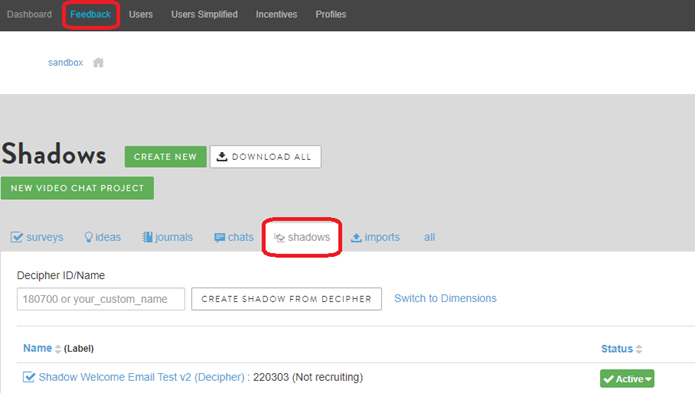
Click on the actual Shadow (Shadow Welcome Email Test v2 in the above example).
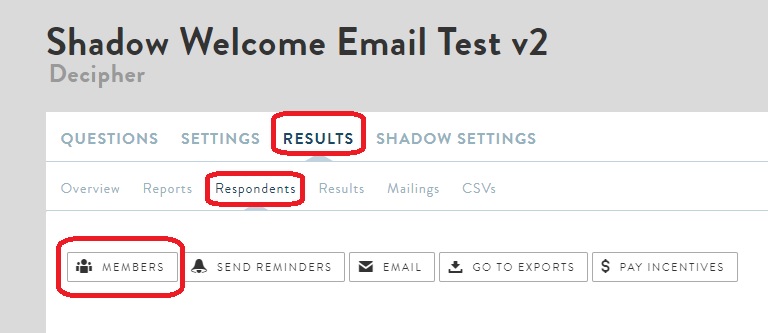
On the following page, click on Results > Respondents > Members.
In this shadow setup, you will note that we have 12 invited users out of which one has registered and setup a password (user Test8).
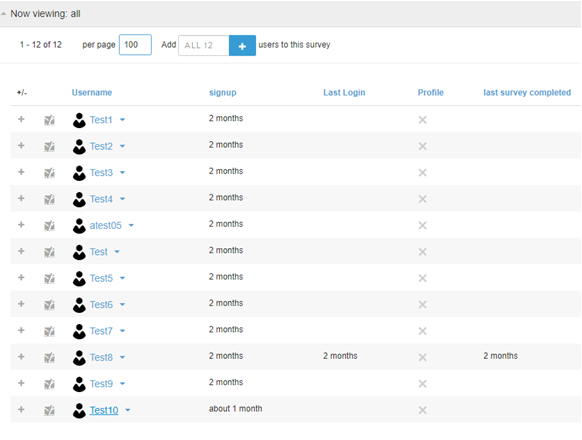
The Welcome Resend Email feature automatically excludes anyone who has already registered with the community thus preventing you from re-inviting them into the community.
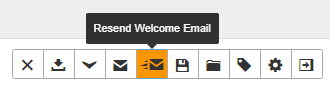
Click on the Welcome Resend Email button to filter to users who are eligible to receive another invite.
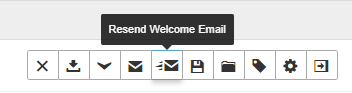
Clicking this will automatically refresh the user list to only show those that are eligible.
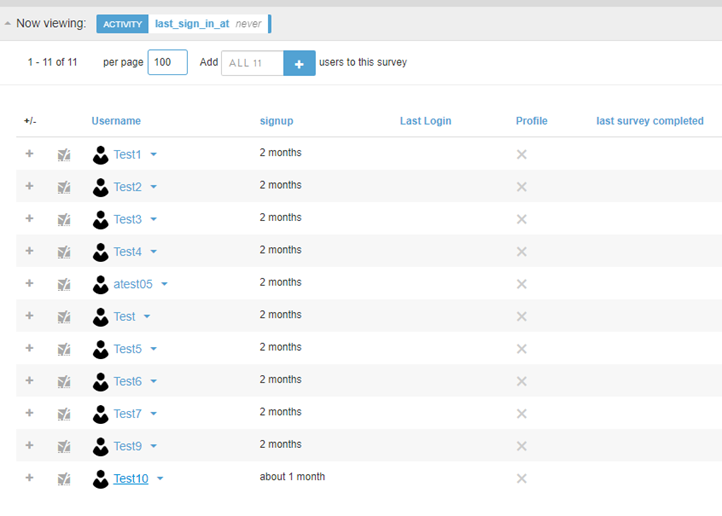
Clicking on the Welcome Resend Email button (which will now be highlighted in orange to show that the filter is active), will prompt a confirmation dialog asking if you want to send the email.

Clicking on Send will then resend the Welcome Email to all users who were filtered to.
Comments
0 comments
Please sign in to leave a comment.