
The following outlines the basic steps of creating a new Ideation Session. References and links to articles to other in-depth resources for programming and testing as well as monitoring and user participation are included as well.
Create New
All new activities are created from the Feedback tab.
On the Feedback tab, click on the green CREATE NEW button at the top.
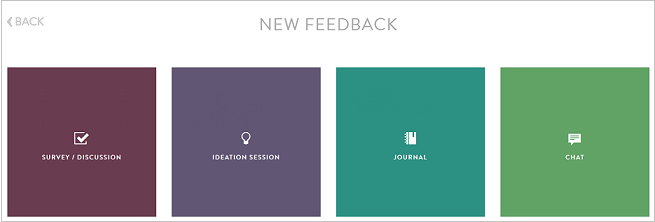
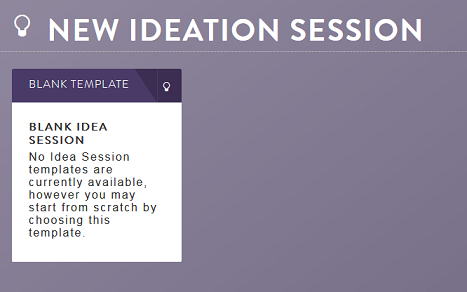
On the new screen, select IDEATION SESSION and then BLANK IDEA SESSION.
Program Questions
Ideation sessions are open-ended and designed for collaboration, posting ideas, responses and voting on others posts. While the icanmakeitbetter platform has many different question types, ideation sessions have only one question type and are very easy to program.
More information on types and programming information can be found here.
You can set up an ideation session in just a few minutes:
Programming:
First, Title your Session by clicking into the title area. The larger title text is what is shown to members. The smaller "Nickname" portion is for internal purposes where you can add job numbers, concept names or other info that helps you and your stakeholders reference to the activity.
Next all you have to do is start a topic or idea.
Let's call this one:
"What features would you like to see in next year's platform updates?"
Ideation Sessions are a bit different than other activities because they give the user the ability to take control over the discussion and the direction of the conversation. You can help start the conversation by asking a broad question and let the conversation go where it will.
You can add search prompts or tags that may help guide the session and you can create your own custom Session URL.

Before you are completely done, you will have to create a tile and make it active. To see more about how to create a tile please click here.
Continue reading:
Comments
0 comments
Article is closed for comments.