
Once you have checked through your settings, go ahead and make your session Active. You can do this by clicking on the Pending button at the top right corner of the screen and changing status to Active.
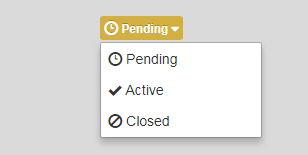
Then go to the Distribute tab of your Ideation Session.
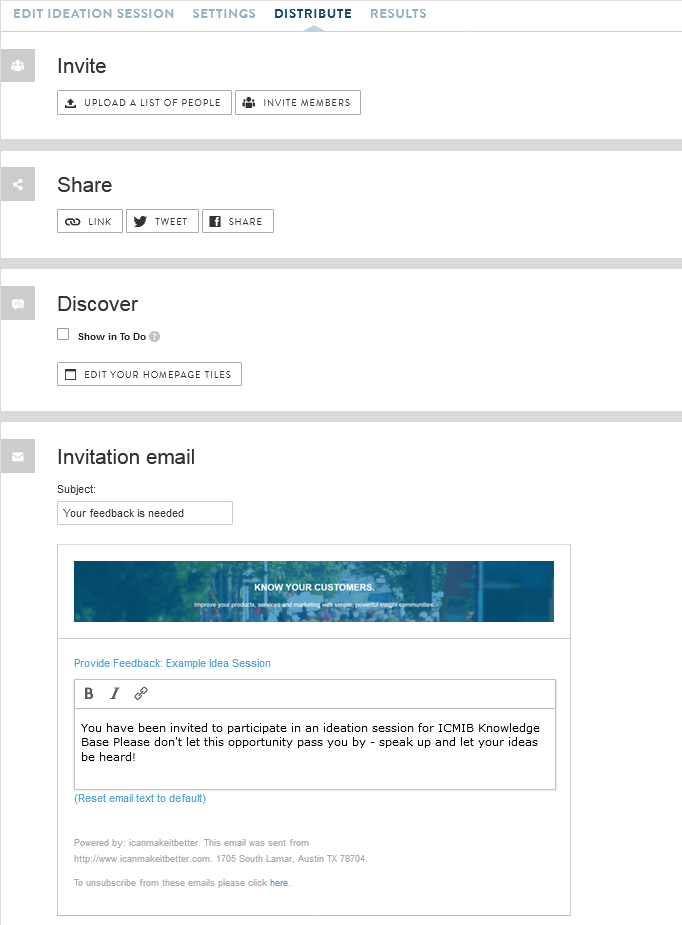
You have a few options on how you can distribute the session to your users.
- You can upload a list of participants OR invite current community members.
- If your session does not require a sign in, you can obtain a custom sharable URL to the session.
- You can decide if you want the Ideation Session to appear in the participants "To Do" list on the homepage.
- Lastly, you'll be able to edit the email text for the Ideation session invite.
Comments
0 comments
Article is closed for comments.